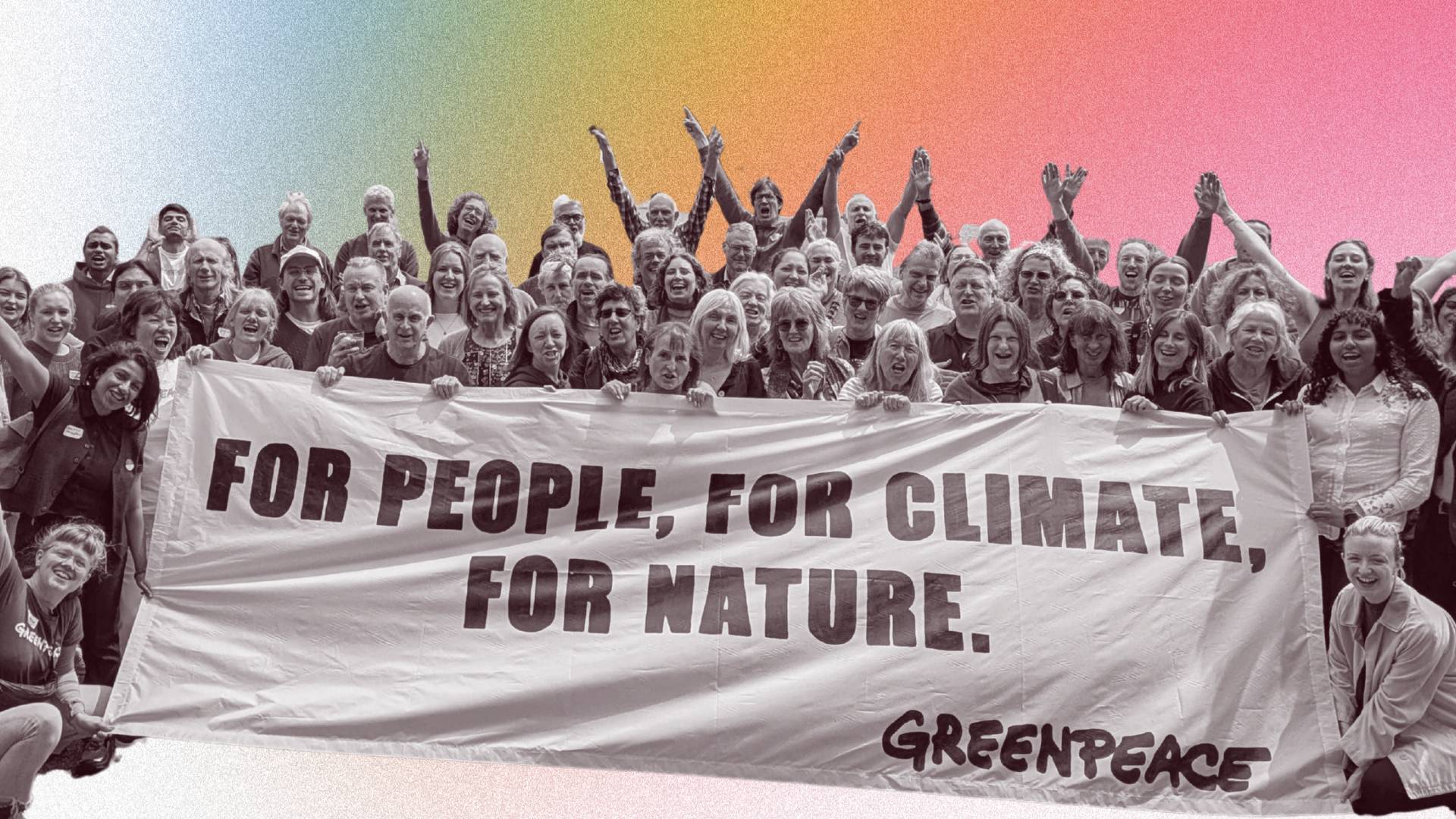
Welcome to the Organiser Hub
Everything you need to support your grassroots work and build unstoppable people power with Greenpeace.
ON THIS PAGE
Help us build the snowball. This is an analogy we use often in organising! The Snowball: Building a movement that’s unstoppable. The Throw: Striking hard when it matters most for maximum impact. Join the movement → Build collective power → Shift what's possible. Find everything you need to jump into action, explore our resources to help build your organising power – or access practical links and information. If you have any questions please get in touch.
This page is for established organisers. If you’re new to Greenpeace please visit our volunteering and activism pages to learn more or join a welcome call to get started.
Organiser newsletter
In our October 2026 newsletter we’re kicking off our oceans work and sharing how local groups can use Blue Planet III to meet new people, welcome them into groups and build support for ocean sanctuaries ahead of January’s Ocean COP.
Get your tactic guides
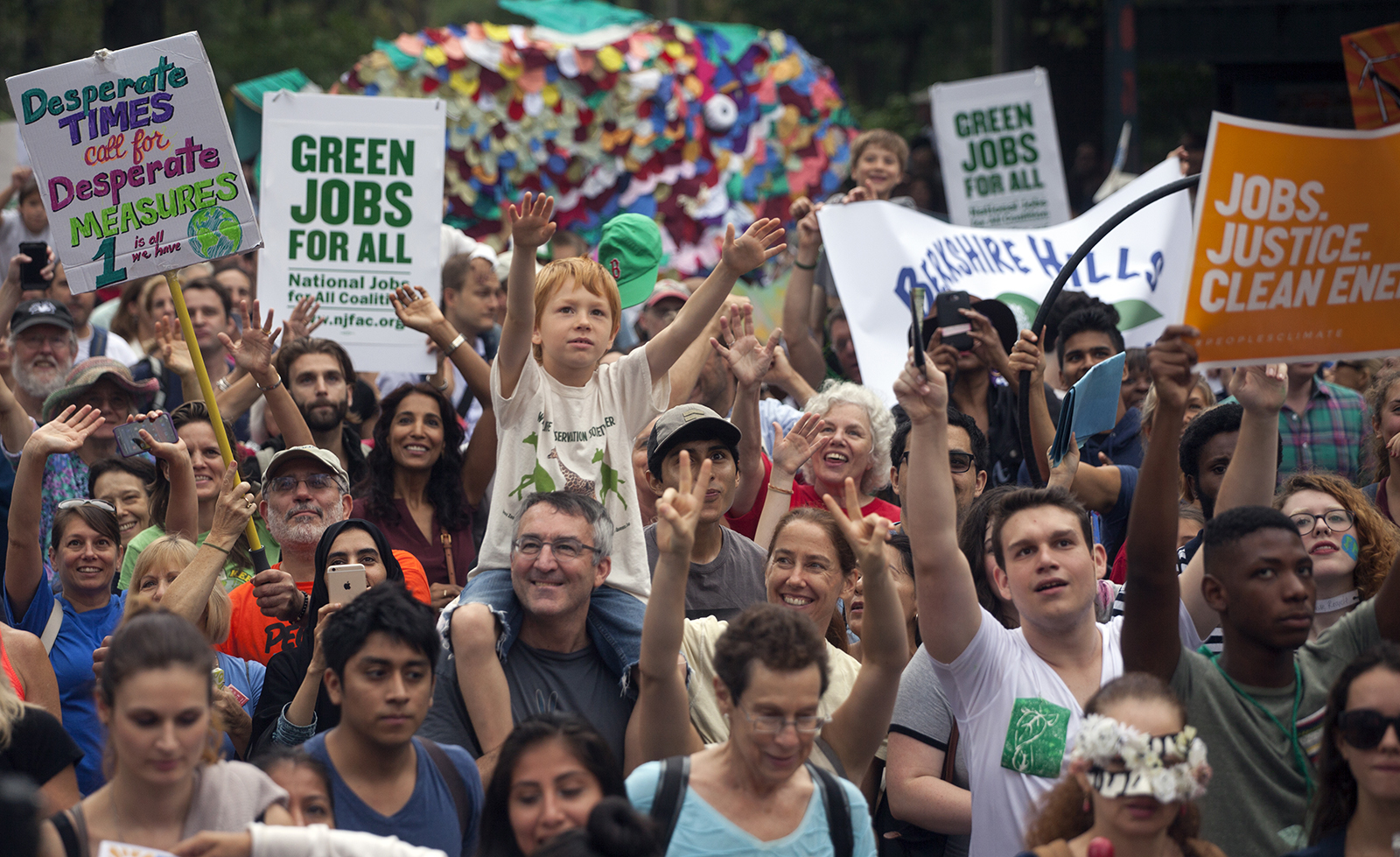
Check out the following tactic guides to start planning your group activities from end of July through to early autumn.
- Stickering guide
- Local radio call-in guide
- Letter to the editor guide
- Social media guide
- Campaign stall guide
A helpful overview of the tactics and why we’re focussing on Shell can be found on the Greenpeace website here.
Order your resources
Everything you will need for your campaigning.
Build your power
Everything you need to develop your skills and become a more effective organiser
Resource
Learn about how we make change

Zine
Help us build the snowball
Training
Step into leadership in your community
Useful links and information
Find the practical resources you’ll need to support your work.
Our Organising Principles present our vision for the work we want to do and the culture we want to build. They are based on Greenpeace UK values: Aim Big and Win, Relationships First and Lift all Boats.
Aim Big and Win
1. We are committed to fighting the climate and biodiversity crisis and building a better, more peaceful world. We believe in our mission, we have hope and we are in it to win.
2. We believe in people power. Through the actions of millions of committed people we make change. We value every contribution, big or small, and invest in volunteer leadership.
Relationships First
3. Our relationships are our power. We treat each other with respect and kindness and create communities of trust. We model the world we want to see in the ways we engage with each other, and we are non-violent in everything we do.
4. We make space for joy and celebration. Our journey to winning a different world won’t always feel easy but we make time for fun and celebrate our successes, big and small, along the way.
5. We are humble and always learning. We all make mistakes and we practise accountability and learning everyday, to seek to understand and act better.
Lift All Boats
6. We are inclusive and welcoming. We welcome everyone who wants to join us, particularly those who have been historically excluded. We work to welcome new people and make our spaces liberating, open and accessible to all.
7. We recognise interconnected crises. The climate crisis is inseparable from the crises of social, racial and economic injustice. We aim to speak out against oppression, and fight for interconnected solutions.
8. We are part of a global movement. We work alongside local, national and worldwide movements for climate justice. We recognise that we all have different strengths to bring and we work together for our collective success.
We expect everyone involved with Greenpeace’s organising work to commit to the principles, and embody these principles in the work they do. This culture will live at every level of the organisation: the staff team, across the whole volunteer network, within local groups, and at specific events and gatherings. It is everybody’s responsibility to uphold it.
We also have a Code of Conduct that sets out the standards we expect from everyone in Greenpeace UK spaces. There is a reporting and resolution process we can support you through if the Code is breached. If you are unsure about anything in this Code, just ask: getactive.uk@greenpeace.org
Our Volunteer Policies Masterdoc covers everything from behaviour and safeguarding, to expenses and conflicts of interest.
Please note: you must be over 18 to volunteer for Greenpeace or participate in events, unless accompanied by a responsible adult at all times.
If unsure about whether or not someone is over the age of 18, you should ask for their age before allowing them to take part in events or activities.
More information can be found in our Volunteer Policies Masterdoc.
View the expense policy and access the expense form template.
Check out this guide for inspiration (including an event planner) and, for more technical support, check out the DIY Fundraising – Tech Guide.
Note: we’re no longer able to collect cash, due to the processes and costs required in order to collect it legally and safely. But if you’d like to fundraise for Greenpeace at an event, it’s easy to set up a donation page through the DIY fundraising platform (check out the guide above), then download a unique QR code to print and display at the event. Attendees can scan the QR code and make a donation straight to the page.
These are the core tools we use to stay connected and organise effectively. Each guide will help you get started:
-
- Google Docs & Google Sheets – navigating google documents and sheets.
- Slack – joining channels, managing notifications, using threads.
- WhatsApp – best practice for group communication.
- WhatsApp Communities – we recommend Local Groups set up a WhatsApp Community.
- Greenwire Events – how to set up, promote, and manage events on Greenwire.
- Zoom – tips for running smooth online meetings on Zoom.
- Canva – creating posters, flyers, social media posts, and other graphics.
- DIY Fundraising Pages – raising money for Greenpeace at local group events.
Canva is an easy-to-use design tool. We recommend it for creating graphics to advertise your local group meetings and activities.
If you’re a Local Group Coordinator or a Social Media Coordinator and not yet part of our Canva team, email getactive.uk@greenpeace.org to get set up. Once you’re part of the Canva team you can access our Brand Kit which includes templates (listed below), as well as logos, fonts, colours, photos and icons so you can create your own designs.
Here are some Canva templates to get you started (note: you will need to log into your account and have access to our Canva team to use them):
And you can find all templates here.
Here is a basic guide to using Canva if you’re struggling!
If you don’t have much time or you’re struggling to use Canva then you can download a generic banner for your Greenwire event here.
Get in touch
Need help or have a question? You can reach us via the #help channel on Slack! Slack is where the day-to-day conversations happen with local group leaders and national team members – if you need a link to join Slack, please email us!