Welcome to the Organiser Hub
Tools, training, and inspiration to build unstoppable people power.
Organiser Newsletter
Download the latest newsletter for leaders and members of Greenpeace local groups.

Choose your path
This hub is where campaigning and organising meet: quick paths to take action now, and deeper paths to grow leadership, teams and long-term power — so we can build the snowball and throw it at the moments that matter.
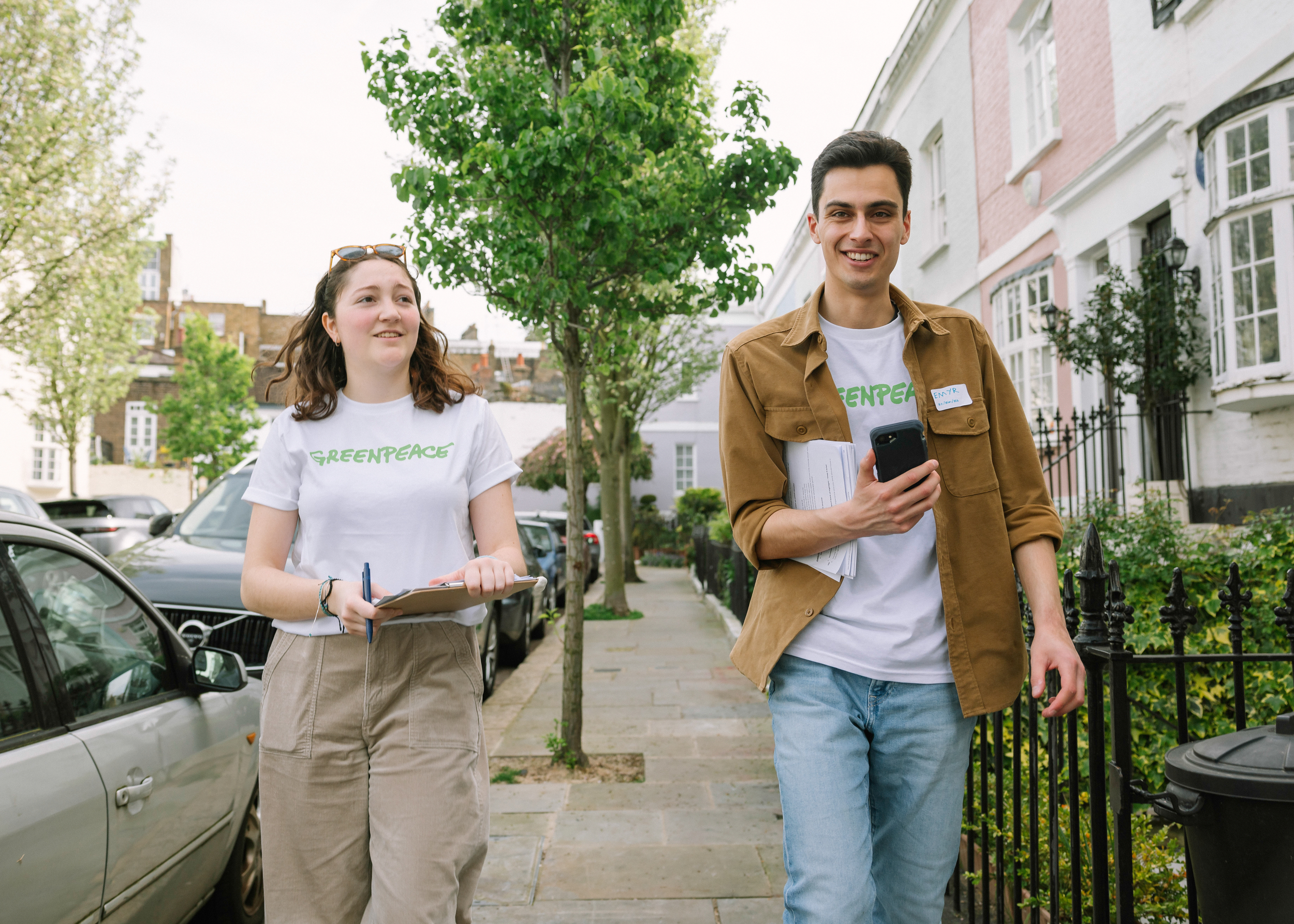
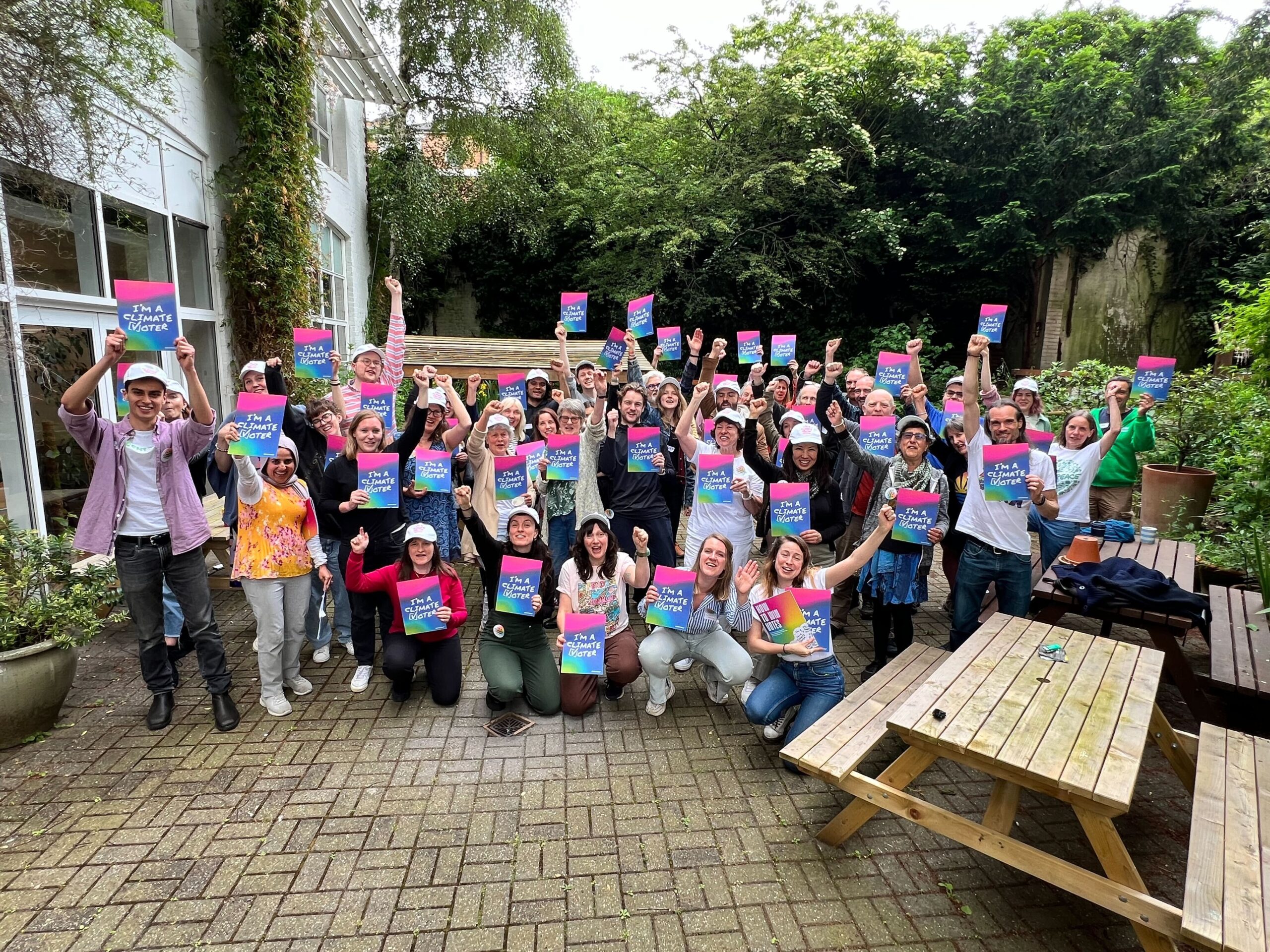
Choose your strand
Our current campaign: Power for the People!
Energy
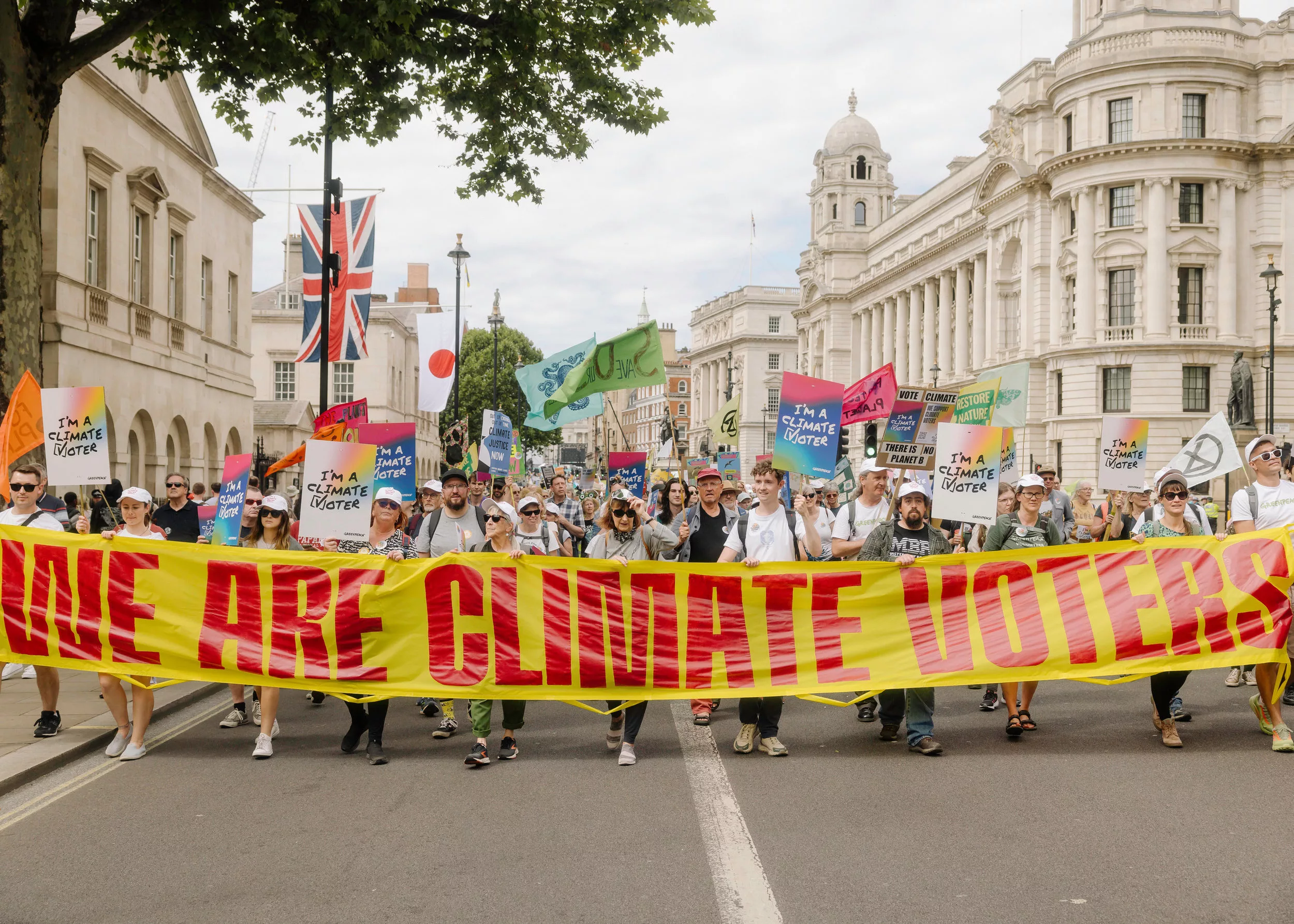
Election
Build Deeper Power
This part of the Organiser Hub is here to help you develop your own leadership, strengthen your team, and root your work in our shared strategy — so together we can build lasting power that makes every action count.
Practical Tools & Support
Organising is easier when you know where to go for support. This section brings together the practical resources you’ll need most often so you don’t have to dig through to find them.
Key Documents
Key forms and policies you’ll need to organise with confidence:
- Expense claims – view the expense policy and the expense form template
- Public Liability Insurance
- Photography policy
- Report your actions – fill in this form
Using Our Tech
These are the core tools we use to stay connected and organise effectively. Each guide will help you get started:
- Google Docs & Google Sheets – navigating google documents and sheets.
- Slack – joining channels, managing notifications, using threads.
- WhatsApp – best practice for group communication.
- Greenwire Events – how to set up, promote, and manage events on Greenwire.
- Zoom – tips for running smooth online meetings on Zoom.
- Canva – creating posters, flyers, social media posts, and other graphics.
Using Canva (Our Graphic Design Tool)
Canva is an easy-to-use design tool. We recommend it for creating graphics to advertise your local group meetings and activities.
If you’re a Local Group Coordinator or a Social Media Coordinator and not yet part of our Canva team, email fbrown@greenpeace.org to get set up. Once you’re part of the Canva team you can access our Brand Kit which includes templates (listed below), as well as logos, fonts, colours, photos and icons so you can create your own designs.
Here are some Canva templates to get you started (note: you will need to log into your account and have access to our Canva team to use them):
Here is a basic guide to using Canva if you’re struggling!
Get in touch
Need help or have a question? You can reach us via the #help channel on Slack! Slack is where the day-to-day conversations happen with local group leaders and national team members – if you need a link to join Slack, please email us!